Most apps that call themselves the best AI meal planning app for home cooks are recipe databases with a quiz bolted on. You answer 10 questions about your diet preferences, they show you tagged recipes. That’s not AI — that’s a filter.
A real AI meal planning app does something different: it changes what it suggests based on what you have, what you’ve already eaten, and what you actually rated. It reduces your grocery list instead of inflating it. It builds a plan around your life instead of handing you a generic template and calling itself intelligent.
If you need a quick answer:
- Eat This Much — best if you track macros or calories seriously
- Mealime — best for busy households that need a fast, no-fuss weekly plan
- PlateJoy — best if you’re working toward a specific health goal
- ChefGPT — best for creative recipe generation from whatever’s in your fridge
- Samsung Food — best free option for Android users who don’t need deep personalization
None of these apps are perfect, and the home cook community has strong opinions about which ones are actually worth paying for. Here’s the full breakdown.
What “AI” Actually Means in a Meal Planning App
The word “AI” in most food apps is doing some heavy lifting. When an app says it uses AI to personalize your plan, what that usually means is: it filtered recipes by the preferences you selected during onboarding. Dairy-free? It excludes dairy recipes. 30 minutes or less? It shows quick recipes. That’s a search query dressed up as intelligence.
Actual AI adaptation looks different. It means the app notices you rated that chicken stir-fry 2 stars and stops suggesting it. It means the plan adjusts when you tell it you already have half a block of tofu and three zucchinis that need using. It means the macro targets recalculate when you log that you had a bigger lunch than planned.
A simple test: open any meal planning app and change a preference mid-week. Does the remaining plan update? Does it reference anything from earlier in the week? Does it get better over time the more you use it?
Most apps fail that test entirely. A few do it surprisingly well. That distinction is exactly what separates the apps ranked here from the dozens of “AI recipe” apps flooding the App Store right now.
How 5 AI Meal Planning Apps for Home Cooks Stack Up
| App | Free Tier | Pantry Sync | Macro Tracking | Grocery List Auto-Gen | Dietary Restriction Depth | Real AI Adaptation |
|---|---|---|---|---|---|---|
| Mealime | Solid | No | Basic | Yes | Good | Low |
| Eat This Much | Limited | Yes | Excellent | Yes | Very Good | High |
| PlateJoy | No | No | Moderate | Yes (Instacart) | Excellent | Moderate |
| ChefGPT | Yes | Partial (PantryChef) | No | No | Moderate | Moderate |
| Samsung Food | Yes | No | Basic | Yes | Basic | Low |
Pricing and features verified from official product pages as of March 2026.
Mealime: Best for Families Who Just Want the Week Sorted
Best for: Busy households, 4-person families, people who want zero friction.
Mealime’s strongest feature is that it gets out of your way. Onboarding takes under three minutes. You select dietary preferences, household size, and how many meals per week you want to plan. It generates a weekly menu and immediately gives you a consolidated grocery list broken down by store section. That grocery list is genuinely useful — it accounts for portion sizes, so if you’re cooking for four, you’re not buying ingredients sized for two.
The UI is clean to the point of being simple. There’s not much to learn, which is the point. You’re not configuring macros or setting pantry inventory. You’re just getting a plan.
The weakness is on the personalization side. Mealime doesn’t learn much from your behavior over time. If you keep skipping certain recipes, it doesn’t pick up on a pattern. It’s not building a picture of you as a cook — it’s just serving filtered recipes from a curated library. After a few months, the rotation can start to feel repetitive.
Price: The free tier is genuinely usable — includes a rotating menu of recipes with grocery lists. Mealime Pro is around $5.99/month and adds access to more recipes, more customization, and the ability to add your own recipes to the system.
For households that want to stop arguing about “what’s for dinner this week” on Sunday afternoons, Mealime is the most frictionless option available. Just don’t expect it to replace a macro tracker.
Eat This Much: Best for Serious Macro and Calorie Tracking
Best for: Anyone tracking calories or macros with a specific target in mind.
Eat This Much does something none of the other apps on this list do as well: it generates a day or week of meals specifically designed to hit your macro targets. You set your protein, carbs, fat, and calorie goals, and it builds a plan from scratch to match them. Not “close to” your targets — it gets granular.
The pantry integration is where it earns its reputation. You tell it what you have on hand, and it prioritizes using those ingredients. Users on r/MealPrepSunday describe it as “the only app that actually builds around what I have,” and that tracks with how the pantry feature works. It’s not just a filter — it affects the plan.
Eat This Much also integrates with MyFitnessPal, which matters if you’re already logging food there. The sync isn’t perfect, but it removes the double-entry problem that makes most tracker setups break down after two weeks.
The downsides are real. The interface feels like it was built in 2015 and hasn’t had a full redesign since. The custom macro setup has a learning curve — it takes time to get your targets dialed in, and the default suggestions aren’t always great when you first start. If you need an app to hold your hand, this isn’t it.
Price: The free tier shows you what a generated plan looks like but limits how much you can actually use it. Premium runs around $8.99/month, which is on the higher end for this category. If macro tracking is your primary goal, it’s worth it. If you just want recipe ideas, it’s not.
PlateJoy: Best for Health-Goal-Driven Personalization
Best for: People managing specific health goals — weight loss, blood sugar, cardiovascular health, specific dietary approaches.
PlateJoy sits in an interesting middle ground between a meal planning app and a health-focused service. The onboarding quiz is more extensive than any other app here — it asks about health conditions, activity level, dietary goals, kitchen equipment, and how much time you realistically spend cooking. That information actually shapes the plan, not just the recipe filter.
The Instacart integration is a genuine differentiator. You finalize your weekly plan, tap to send the grocery list to Instacart, and your order is ready to go. For households that already use grocery delivery, this removes a meaningful friction point from the whole planning-to-cooking chain.
The weakness is variety. PlateJoy’s library is more curated than expansive. If you’re a creative cook who gets bored eating similar flavors week after week, you’ll hit the ceiling of its recipe catalog faster than you’d like. It also doesn’t have the pantry-first approach that Eat This Much has — it’s building from health goals outward, not from what’s already in your kitchen.
Price: Around $4.99/month, though PlateJoy often runs promotional pricing. There’s no free tier worth mentioning — you’re committing to a subscription from the start.
For people with a specific health objective driving their food choices, PlateJoy’s onboarding depth and goal alignment make it the clearest recommendation in that category.
ChefGPT: Best for Creative “What Can I Make With This?” Moments
Best for: Home cooks who want to describe what’s in their fridge and get an actual recipe.
ChefGPT is not a weekly meal planner. Managing that expectation upfront matters, because if you download it expecting Eat This Much-style weekly scheduling, you’ll be confused.
What ChefGPT does well is natural language recipe generation. You describe what you have — “I’ve got chicken thighs, sweet potatoes, some leftover coconut milk, and I need something done in 30 minutes” — and it generates a recipe. The PantryChef mode is specifically designed for this: input your available ingredients, get usable recipe options.
The output quality is better than asking generic AI chatbots because ChefGPT has been tuned for culinary context. It understands cooking techniques, timing, and flavor pairing in ways that make its suggestions more practical than generic language model outputs. It’s not immune to the common ways AI-generated recipes miss the mark, but it’s better calibrated than most.
The gap is planning. ChefGPT doesn’t generate a weekly schedule, doesn’t track macros, and doesn’t produce a real grocery list in the way Mealime or Eat This Much do. It’s a creative recipe generator, not a planner.
Price: Freemium — the free tier gives you a limited number of monthly generations. The paid tier is around $4.99/month and removes the generation cap.
Samsung Food: Best Free All-in-One (With a Catch)
Best for: Android or Samsung device users who want a free baseline planning tool.
Samsung Food (previously Whisk, before Samsung acquired it) is genuinely free, which matters when the rest of this list ranges from $4.99 to $8.99/month. It handles meal planning, recipe saving from websites, basic nutritional tracking, and grocery list generation in one place.
The recipe import is probably its best feature — you can clip recipes from any website and they get parsed and added to your collection automatically. Planning a week from your saved recipe collection is straightforward.
The catch is the ecosystem dependency. The best features and the most seamless experience are tied to Samsung devices, specifically Galaxy phones and smart TVs. On a non-Samsung Android device or on iOS, the experience is functional but noticeably thinner. It’s a free app that subtly functions as a Samsung ecosystem advertisement.
Price: Free. That’s the whole pitch.
What the Home Cook Community Actually Uses
The r/MealPrepSunday and r/Cooking communities have been discussing meal planning apps for years, and the honest consensus is messier than any ranked list suggests.
The most common real-world pattern isn’t using one app for everything. It’s using Mealime or Eat This Much for the weekly plan structure, then opening ChatGPT or Claude mid-week when something unexpected happens — you bought too many peppers, a recipe flopped, or you need to improvise with what’s left before it goes bad.
The hybrid approach exists because the “perfect app” that handles structured weekly planning, pantry-first flexibility, macro tracking, and creative on-the-fly generation genuinely doesn’t exist yet. Every app is strong in one dimension and weaker in the others.
Reddit users tracking macros consistently stick with Eat This Much for the planning phase despite the dated interface, because none of the prettier apps actually compete with its macro precision. Family cooks with low tolerance for complexity gravitate toward Mealime and stay there. The ChefGPT crowd skews toward people who cook more intuitively and find rigid weekly planning frustrating.
Nobody in those communities recommends paying for multiple apps simultaneously.
The App That Actually Reduces Your Grocery Waste
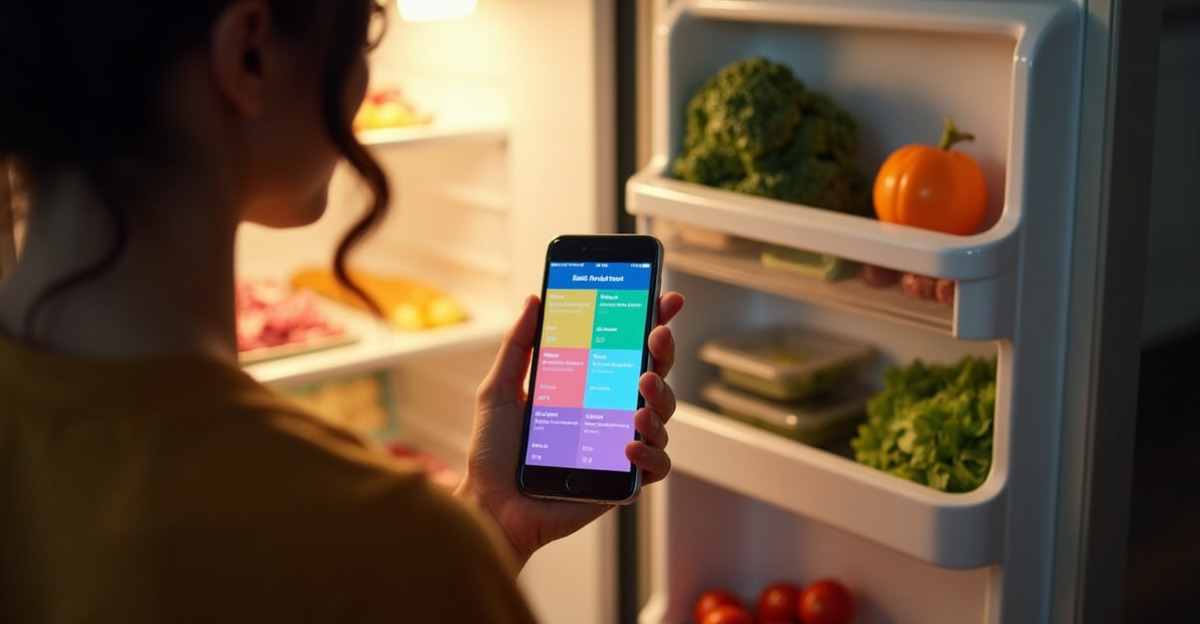
The most “AI” app isn’t necessarily the most useful one. The question to ask is simpler — which app actually makes you open your fridge with a plan instead of staring into it blankly?
If macros matter, try Eat This Much’s free tier this week and see if the interface bothers you enough to disqualify it. If you just need a family plan with a grocery list, Mealime takes about four minutes to set up and you’ll have a plan tonight. If a specific health goal is driving your food choices, PlateJoy’s onboarding depth is genuinely worth the subscription cost.
One app. Use it consistently for three weeks. That’s where the actual value is — not in finding the most sophisticated tool, but in building the habit that stops the Sunday-night planning spiral for good.
Frequently Asked Questions
Is there a truly free AI meal planning app worth using?
Samsung Food is the most functional free option with no meaningful paywall. Mealime’s free tier is also solid for basic weekly planning with grocery lists. Eat This Much’s free tier exists but shows its limits quickly if you want actual macro customization.
Which meal planning app works best for weight loss?
PlateJoy is purpose-built for health goals including weight loss, and its onboarding is the most thorough at capturing what that goal actually means for your eating. Eat This Much works for calorie-deficit planning if you’re comfortable configuring your own targets — it’s more precise but requires more setup.
Can any of these apps use what I already have in my fridge?
Eat This Much has the best pantry integration of the group — it actively incorporates what you have into the generated plan. ChefGPT’s PantryChef mode is excellent for single-meal generation from available ingredients, though it doesn’t handle weekly scheduling. Mealime and PlateJoy don’t have meaningful pantry sync.
Do AI meal planning apps actually save time?
The ones that auto-generate grocery lists — Mealime, Eat This Much, PlateJoy — save meaningful time on the weekly grocery shopping process once you’re past the setup phase. The time savings come from consolidated lists and fewer mid-week “I forgot an ingredient” grocery runs, not from the meal planning itself being faster initially.
Is Eat This Much worth the price?
At $8.99/month it’s the priciest on this list, and it’s only worth it if macro or calorie tracking is a genuine priority for you. If you’re primarily looking for recipe variety and a clean grocery list, Mealime at $5.99/month or PlateJoy at $4.99/month deliver more polish for less money.
Stop Dreading Sunday Night Meal Planning
The app you’ll actually keep using is the one that matches how you think about food — not the one with the most features or the most aggressive “AI” branding.